

Organizations
An organization in Storyblok represents a high-level entity that contains multiple spaces, users, and settings. It provides a unified system for teams, departments, or companies working on different projects.
Organizations let you manage different projects in their own spaces and keep centralized control over users, permissions, billing, and governance. To get started, invite users to your organization and assign them to one or more spaces with specific roles and permissions.
Dashboard
Section titled “Dashboard”The dashboard provides an overview of organization metrics:
- Created spaces
- Monthly traffic
- AI credits
- Active users
Monitor weekly, monthly, or yearly API usage in the dashboard’s traffic section.
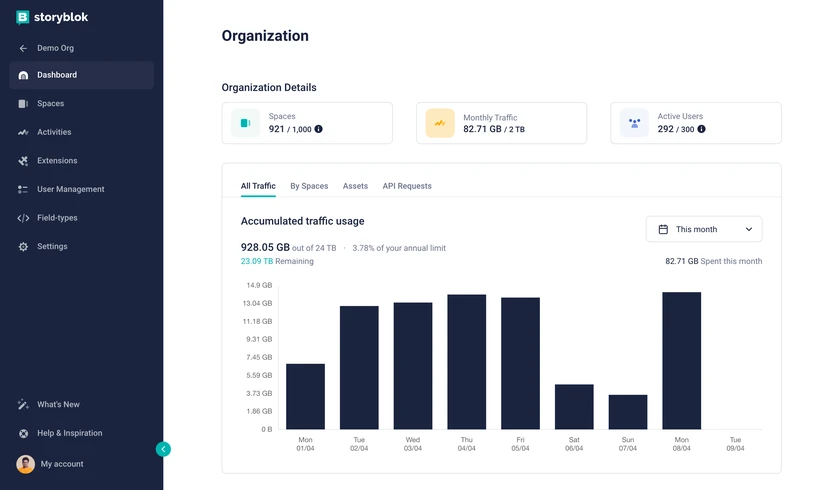
Organization Dashboard
Review a space-level breakdown of AI credit consumption in the AI Credits tab.
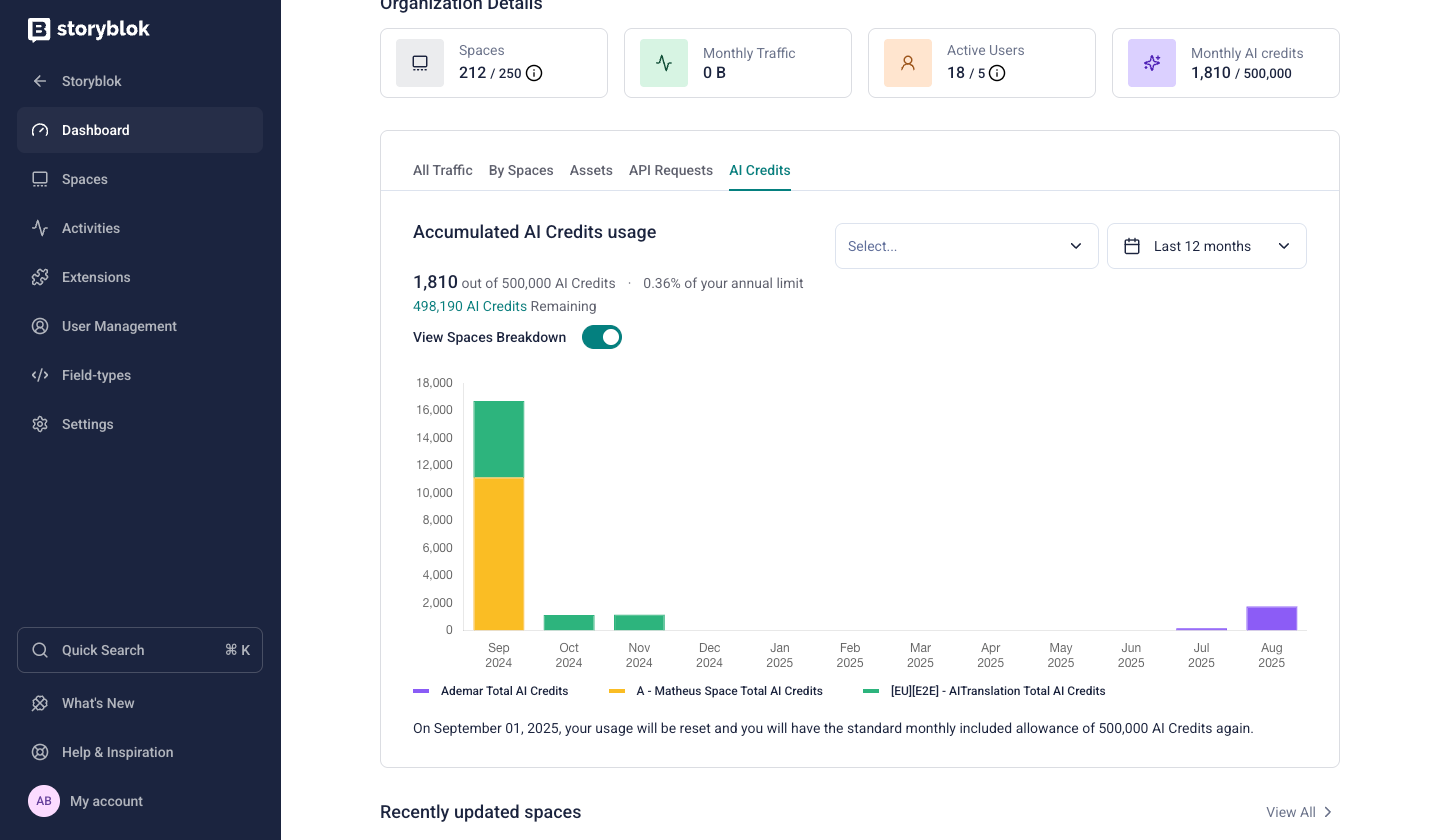
AI Credits usage
Spaces
Section titled “Spaces”Use the Spaces section to create, add, or remove spaces and to view a high-level list of every space in the organization.
From the Spaces section, organization admins can see every space in the organization, but cannot enter or interact with a space they have not been added to.
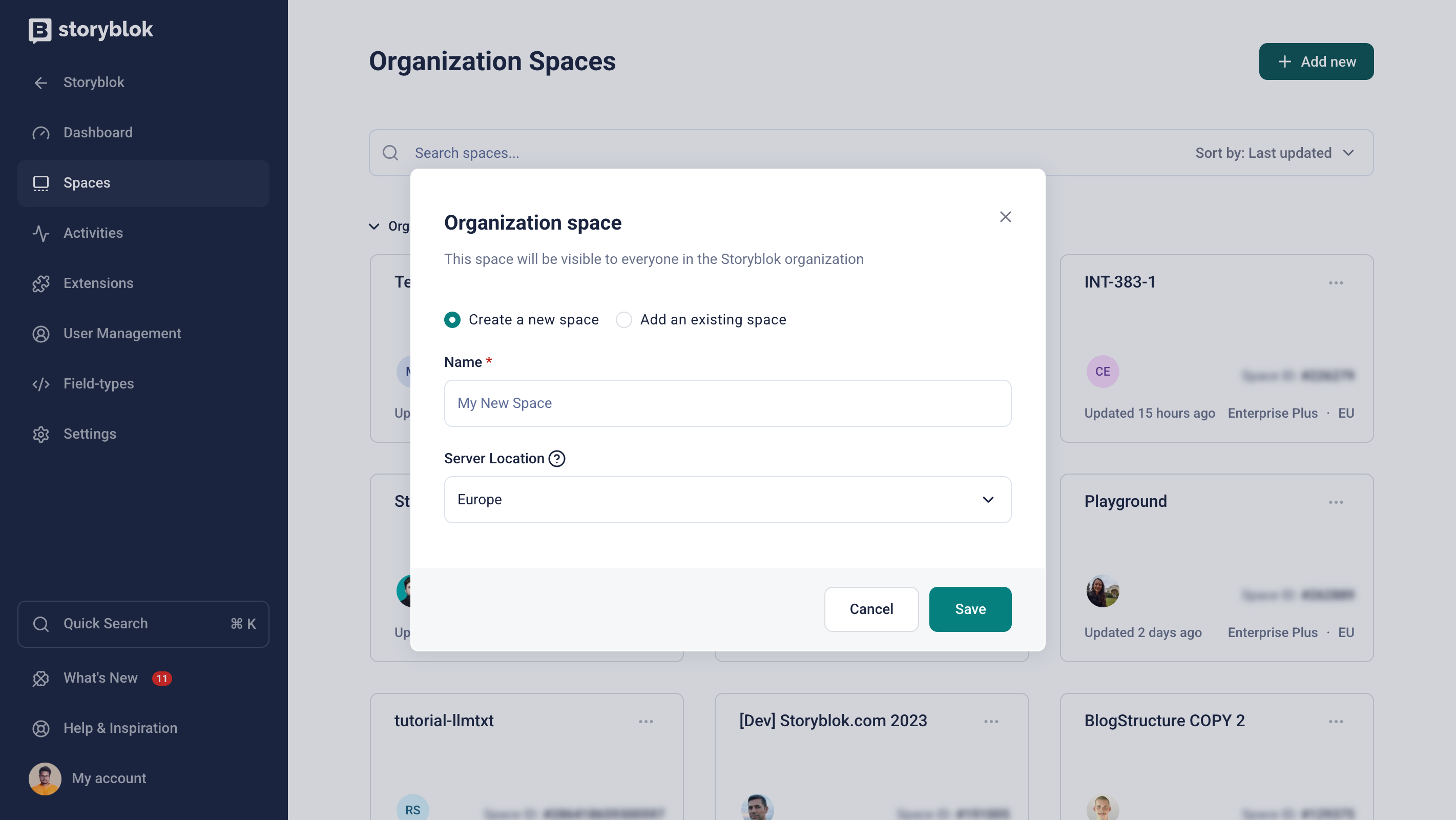
Organization Spaces
By default, users can create their own personal spaces. To restrict them to creating spaces only within the organization, select the option in Settings → Security & Access → Space Creation.
To limit the regions where users can create spaces, open Settings → Security & Access → Regions Access. Users only see the enabled regions when creating a new space.
Activities
Section titled “Activities”The activities section provides an overview of every activity within the organization, filtered by space, user, date, or action.
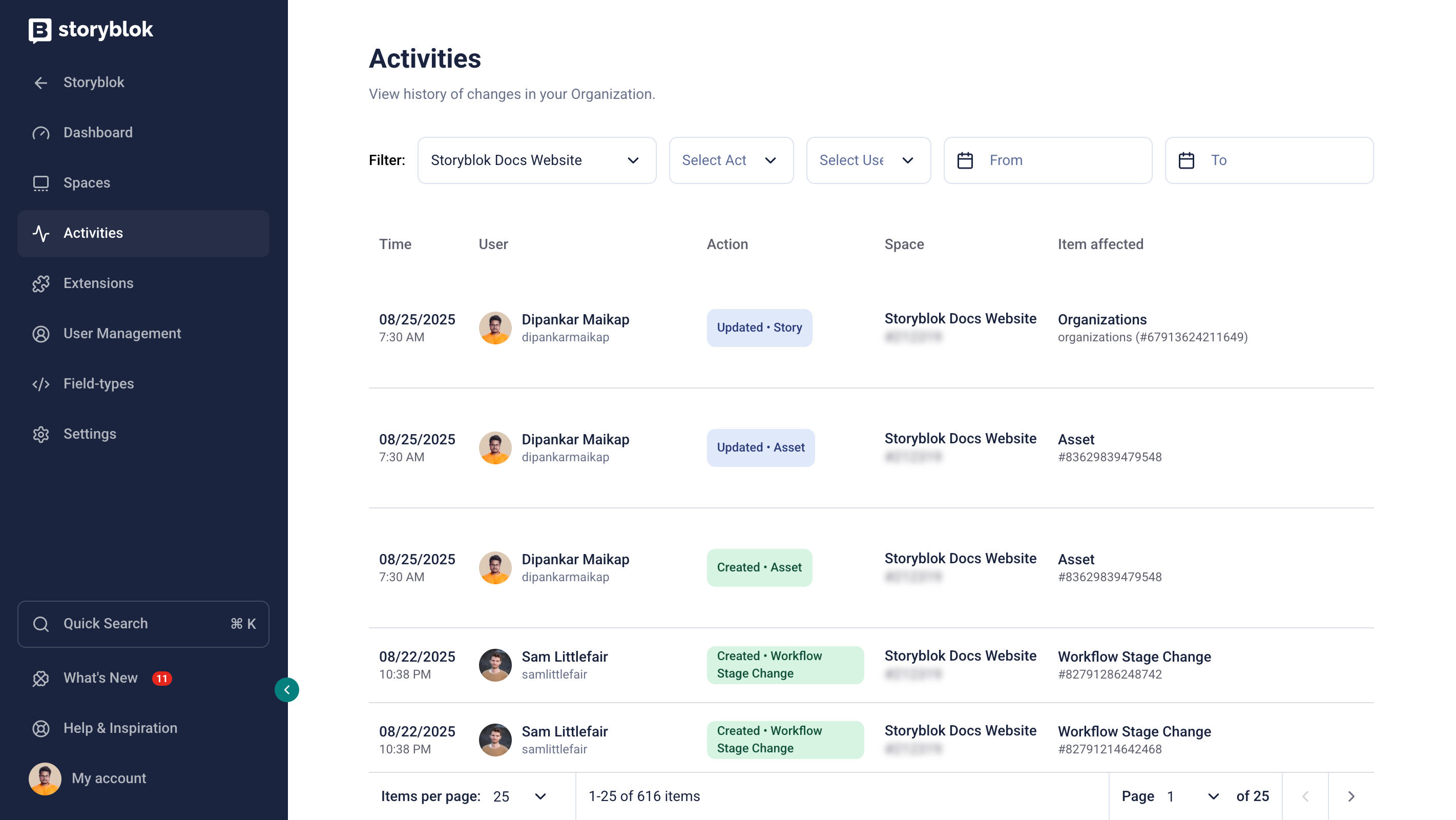
Organization Activities
Extensions
Section titled “Extensions”The extensions section lists all plugins available for the organization spaces.
Filter plugins by type, and select a plugin to view its details or manage its configuration. To learn how to create custom plugins, visit the plugins documentation.
User management
Section titled “User management”The user management section includes a filterable list of users in the organization, along with options to add, remove, and edit them.
When creating or editing a user, choose one of two organization-level roles:
- Member: to create and edit content in spaces they've been invited to
- Admin: to manage organization-level settings, users, and billing
To reset passwords for individual or multiple users, open the Internal users tab, select one or more users, and then choose Password reset.
FlowMotion
Section titled “FlowMotion”If your organization has access to FlowMotion, you can start inviting users.
To grant access to FlowMotion, open My Organization → User management, select the relevant user, and activate FlowMotion access. Choose the access level and apply the change.
You can manage multiple users' access at once: open the Internal users tab, select the users, and choose FlowMotion access.
Field types
Section titled “Field types”View and edit field plugins across the organization spaces. Learn more about field-type plugins.
Settings
Section titled “Settings”Configure details such as name, address, logo, and access to Storyblok Labs. Use this section to grant users access to AI, set security policies, and configure related settings.
Security
Section titled “Security”The security section includes options to help organizations enhance security and control user access.
Select Session timeout to customize how long users remain logged in. By default, user authentication expires after seven days.
Select 2FA to enable two-factor authentication, adding an extra layer of security to user logins.
Select SSO Settings to set up single sign-on to centralize and secure authentication.
Select Account Password Policy to create a password policy that complies with your organization’s standards based on complexity, expiration, and length.
White label
Section titled “White label”Enterprise customers can replace Storyblok's logo with their own logo in the application.
Organizations can also configure a custom domain for the Visual Editor as well as new user invitations, ensuring users access the app through a company domain.
Learn more about white-labeling.
Was this page helpful?
This site uses reCAPTCHA and Google's Privacy Policy (opens in a new window) . Terms of Service (opens in a new window) apply.
Get in touch with the Storyblok community